Connect Claude to your adtribute data yourself
Ask Claude about your spend, attributed revenue and orders in plain words. An Admin turns it on under Settings › Developer Settings, and every member connects with their own adtribute login.
New
Your own login, no shared key
Each member connects through the adtribute sign-in and clicks Allow. Nobody shares an API key, and it works on Claude’s Team plans, where every member connects on their own.
Admins decide
An Admin turns it on under Settings › Developer Settings with Enable OAuth access, and turns it off again with Disable OAuth. How to set it up: Connect AI assistants.
Access follows roles
Admins, Editors and Report Viewers can connect. Limited Report Viewers can’t.
One link per organization
The MCP Connector URL names only your organization and holds no secret, so you can share it with your team. Agencies add one connector per organization.
What you can ask
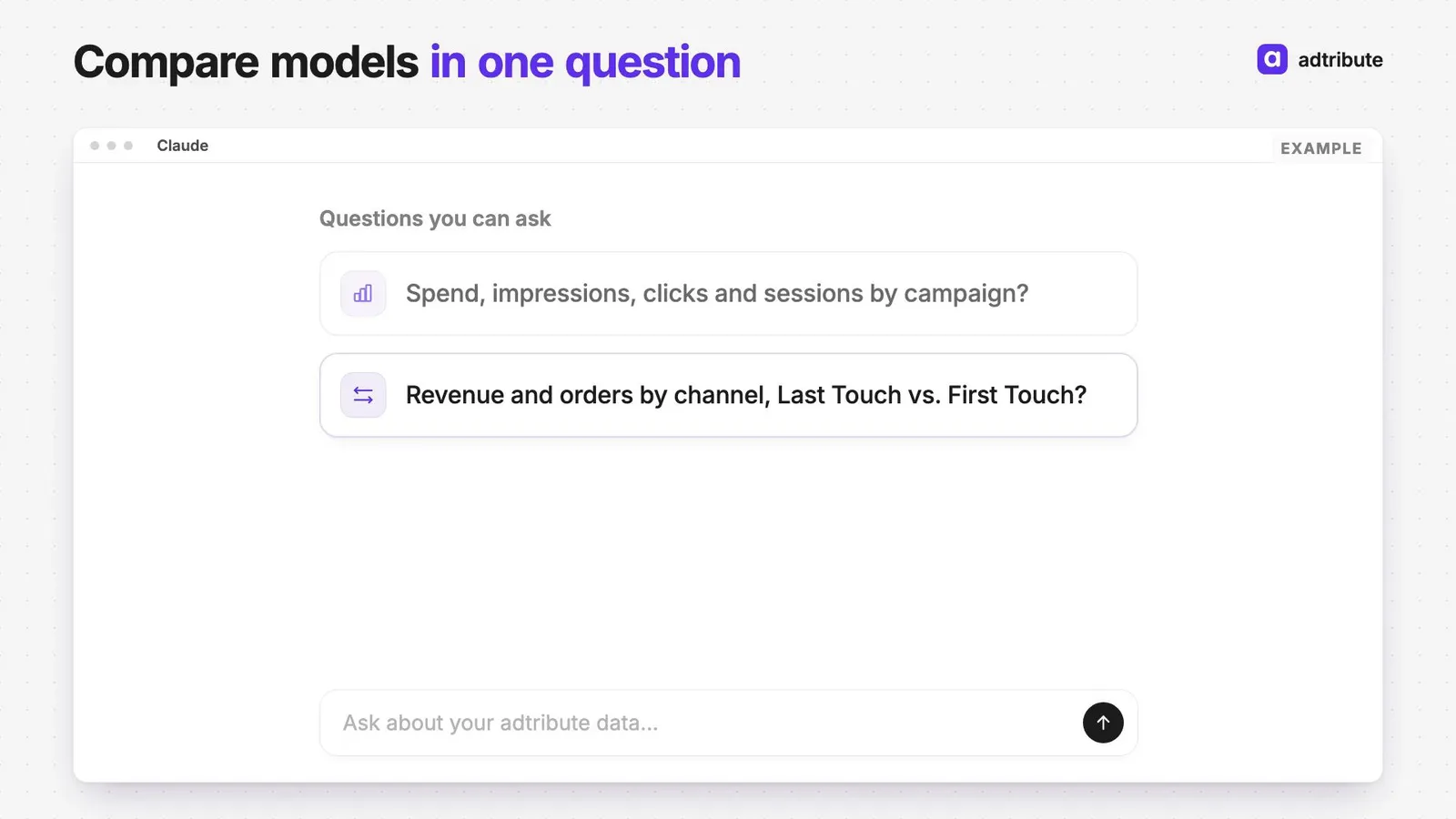
Spend, impressions, clicks and sessions; attributed conversions, revenue and orders by attribution model, several models side by side; breakdowns and filters over a date range; and the definitions behind each number.