Safer saves and deletes, and tables with up to 2,000 rows
When an analysis is on several boards, you choose which get your changes. Tables load up to 2,000 rows instead of 200. You can delete a definition, attribute or connection only when nothing uses it.
Improvements
-
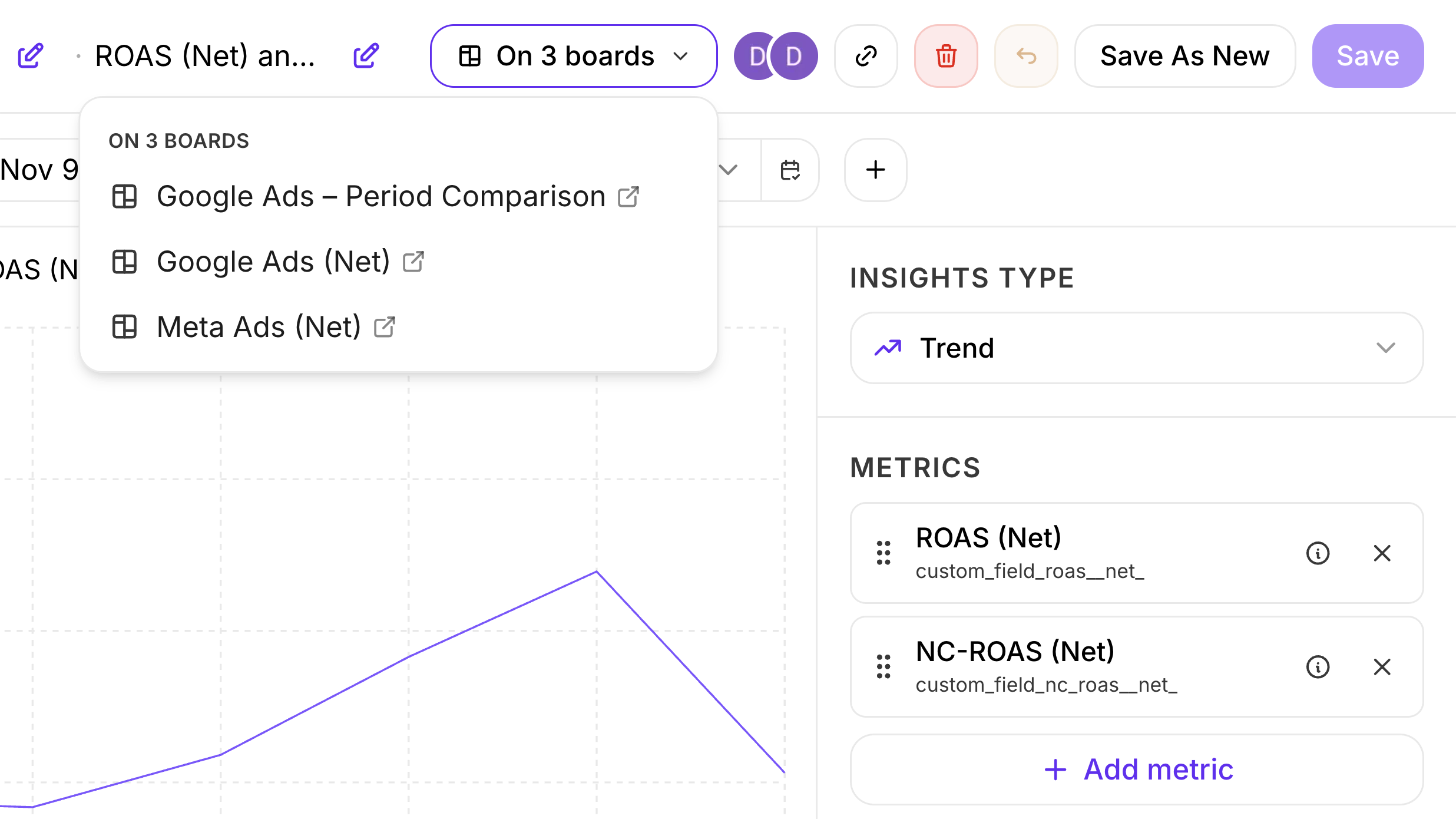
Analyses: the analysis bar shows the boards an analysis is on, such as On 3 boards, with a link to each.
-
Analyses: when an analysis is on two or more boards, Save asks which get your changes. Untick a board to keep it as it is. The ticked boards then get a copy with your changes, under a name you choose.
-
Analyses: tables in analyses and on boards load more rows as you scroll, up to 2,000. To see other rows, narrow the filters or change the sort.
-
Analyses: a new analysis opens with its settings expanded.
-
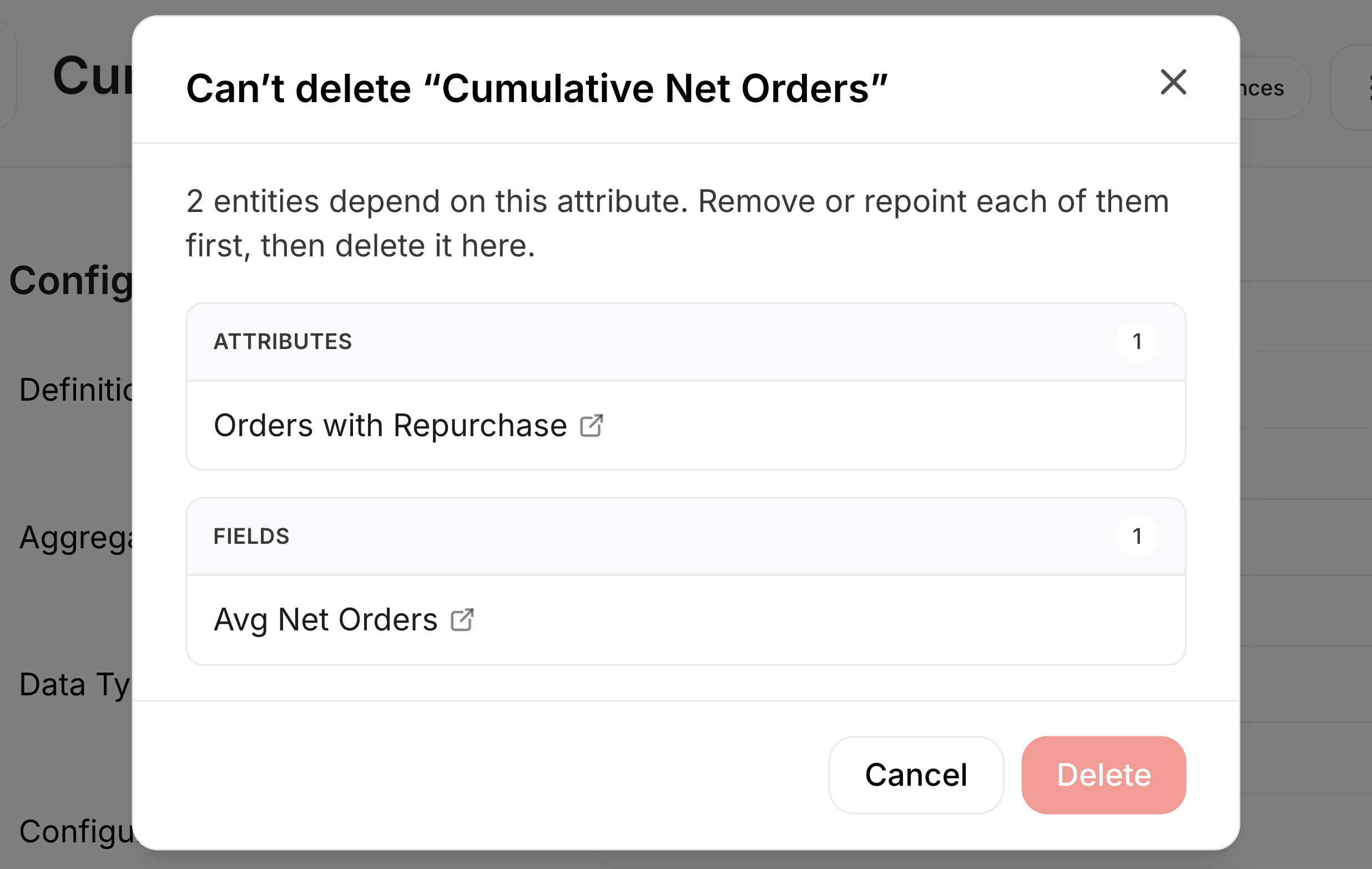
Definitions: you cannot delete a definition, attribute, field, attribution model or connection while something uses it, and the message lists what uses it. Definition, attribute, field and attribution model pages show how many, such as 40 references. The check skips Looker Studio reports and BigQuery queries.
-
Definitions: predefined and connection attributes open read-only, without the Data Explorer and the warning “Please configure the attribute”. Extraction attributes stay editable.
Fixes
- Analyses: a filter no longer adds your search text as a value when you close it after picking values. To add the text, press Enter.
- Analyses: breadcrumbs on a board tile show their full label.
- Definitions: the formula editor shows attributes as chips right away. Renaming an attribute updates its chip.