The adtribute MCP answers by click date, and calculated fields count missing inputs as 0
The adtribute MCP answers by click date, adds totals and asks less often which attribution model to use, but no longer answers by hour. Calculated fields count a missing input as 0, OpenAI Ads clicks count once, and page views carry the visitor's country, subdivision and city.
Changed
- Before, a calculated field that adds or subtracts, such as CM3 = CM2 − Channel Spend, was empty in every row where one of its inputs had no data, for example a channel without spend. Now a missing input counts as 0, as in Looker Studio, in the Google Sheets export and in the adtribute MCP. A ratio stays empty when it has nothing to divide by. What to do: nothing; a field that subtracts a target now shows the actual value where no target is set. From: 12 October 2026.
- Before, you could ask the adtribute MCP for numbers by hour, but these answers could miss conversions, and spend is often not split by hour. Now the MCP does not offer hour and points your assistant to the date instead. What to do: ask by day. From: 12 October 2026.
- Before, if you use OpenAI Ads, a click counted once for every name or status its ad ever had, so a click on an ad that went from paused to active counted twice. Now each click counts once. OpenAI Ads sessions and clicks go down, and multi-touch attribution models give OpenAI Ads less credit and other channels more; conversion totals and single-touch models stay the same. What to do: nothing. From: 14 October 2026, past days included.
New
Click date and totals in the adtribute MCP
Your AI assistant can now answer by click date as well as by conversion date, for attribution models that have click date. Answers include totals and the sum of the rows not shown. When the attribution model cannot change the answer, the assistant no longer asks which model to use, and it keeps a model you named earlier in the conversation. More in Connect AI assistants.
Improvements
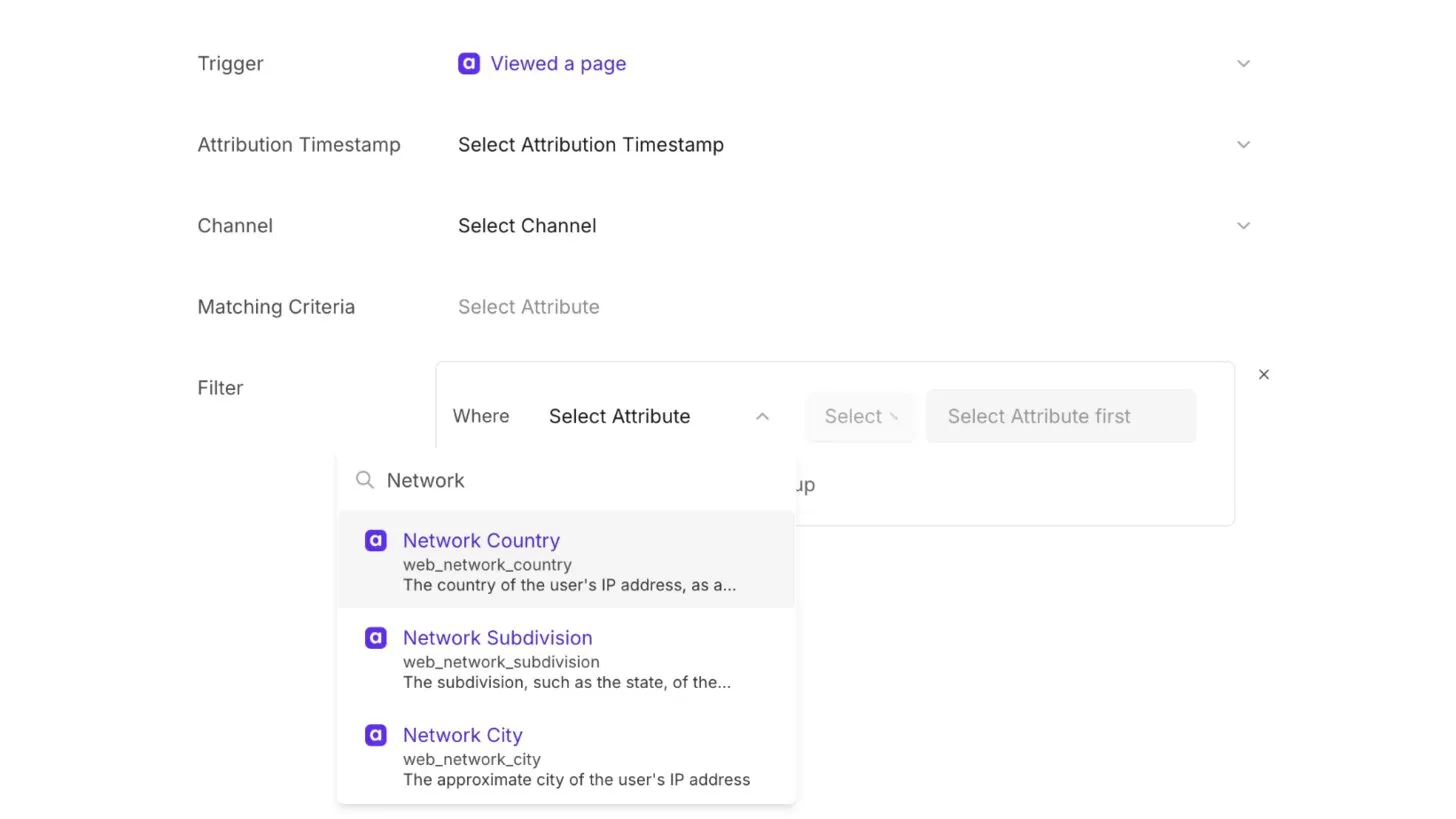
- Definitions: page views now carry the visitor’s country, subdivision (such as the state) and city, taken from the IP address, as the attributes Network Country, Network Subdivision and Network City. Use them in your definitions, for example for touchpoints per country. They start with page views from 12 October, and the city is approximate.
- adtribute MCP: your assistant can filter text with “contains”, “does not contain” and “starts with”, filter by a list of dates, and shows ad-hoc formulas under the name you gave them.
- BigQuery export: beyond the standard tables, we now share a specific table on request, for example a cohort table. Contact us to add one to your destination.
- Shopify: orders carry the new attribute Shopify Order Is First Order, also for guest checkouts. Filter a conversion on it, for example to send new-customer purchases to Meta.
Fixes
- adtribute MCP: a filter on a metric, such as “only ads with spend”, no longer returns revenue and orders as 0. The MCP now refuses such a filter, and your assistant sorts or filters the returned rows instead.
- Tracking script: visitors on Google networks, such as VPN by Google, count again. Since 7 October the bot filter removed them; now it removes only Google’s crawlers and Gmail’s link scanner.
- App: if switching to another organization fails, the switcher comes back with an error message instead of loading forever.