
Taboola Conversion Upload
Send your adtribute conversion data directly to Taboola to improve campaign optimization with more accurate conversion tracking.
What is Taboola Conversion Upload?
Section titled “What is Taboola Conversion Upload?”This feature automatically uploads conversion events from adtribute to your Taboola account. This gives Taboola’s algorithm access to more complete conversion data, which improves campaign performance and optimization.
Conversions sent from adtribute capture more events than Taboola’s native tracking, leading to better-informed bidding decisions.
Prerequisites
Section titled “Prerequisites”Before setting up Taboola conversion upload, ensure Taboola is already connected in the adtribute app.
Loom Tutorial for Taboola Setup
Section titled “Loom Tutorial for Taboola Setup”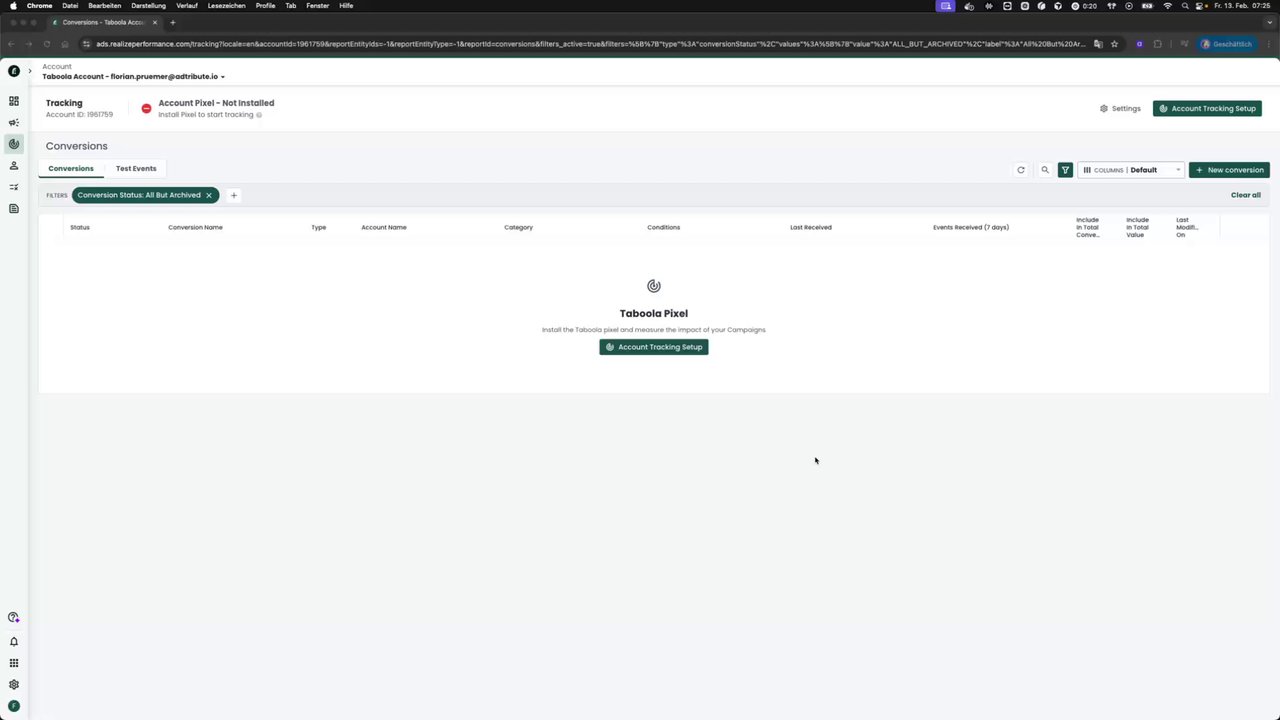 Setting Up Data Activation for Taboola Ads
Setup Process in Taboola
Section titled “Setup Process in Taboola”The setup has two parts: creating a conversion in Taboola, then creating an action in adtribute. You can either complete the adtribute setup yourself or only create the conversion in Taboola and share the event name with your account manager and they’ll handle it for you to make sure all the values are correct.
Step 1: Create a Conversion in Taboola
Section titled “Step 1: Create a Conversion in Taboola”-
In your Taboola dashboard, navigate to Tracking
-
Click “New Conversion”
-
Important: Select an individual account level, not network level or “all accounts”
- If you have multiple accounts, repeat this setup for each one
-
Select Manual conversion using code
-
Configure the conversion:
- Name: Choose a descriptive name (e.g., “adtribute Purchase”)
- Conversion Type: Select “Event”
- Category: Select “Make Purchase” (or match your use case)
- Event Name: Enter a unique name and save this name (e.g. “adtribute_purchase”)
-
Set conversion windows to match your existing conversions (to allow for comparison)
-
Important: DESELECT both:
- Include in total conversions
- Include in total value
-
Click Create
-
Send the exact name, e.g. “adtribute_purchase” to your account manager or continue yourself
Step 2: Create the Action in adtribute
Section titled “Step 2: Create the Action in adtribute”-
In adtribute, go to Activation in the main menu
-
Click “Add Action”
-
If you haven’t already, create a Taboola destination:
- Click “Create New Destination”
- Give it a name and description
- Select Taboola Ads as the destination type
- Click “Next”
-
Create your conversion upload action:
- Name: Descriptive name (e.g. “Taboola Purchase Upload”)
- Description: Add context about what this action does
- Conversion: Select the adtribute conversion you want to upload (if it is an order, it should not be on line item level. Explained in more detail in the Meta Ads CAPI article)
- Event Name: Enter the exact same event name you created in Taboola (e.g. “adtribute_purchase”)
- Event Value (optional): For purchase conversions, you can map a value field like gross revenue (this metric needs to reference the conversion)
-
Click “Add Action”
Within 24 hours, conversions will begin uploading automatically.
Testing and Optimization
Section titled “Testing and Optimization”Phase 1: Monitor and Compare
Section titled “Phase 1: Monitor and Compare”- Add the adtribute event as a column in the Taboola ads manager
- Compare it with your standard Taboola conversion event
- Verify the adtribute event reports more conversions
Phase 2: Switch to Primary Conversion
Section titled “Phase 2: Switch to Primary Conversion”Wait until the adtribute event consistently reports more events than your standard event for multiple consecutive days without exception.
Once verified:
- Edit your Taboola conversion settings and enable both “Include in total conversions” and “Include in total value”
- Optimize campaigns using the adtribute event
- Continue monitoring both events to ensure consistent performance
Important Notes
Section titled “Important Notes”- Continue making media buying decisions with the adtribute dashboard data and not the adtribute event in Taboola (this should only be used to power the algorithm with better data)
- The event name in Taboola must match exactly what’s configured in adtribute (case-sensitive)
- For multiple Taboola accounts, create a conversion in each account at the account level
- Keep the conversion as secondary (excluded from total conversions and value) until testing confirms better performance