
Custom Event Tracking with Google Tag Manager
How to setup client-side custom event tracking with GTM.
Usecase & Goal
Section titled “Usecase & Goal”If you want to optimize and measure advanced events that are beyond standard analytics. With that, you can track any custom event client sided, e.g. “User dwells on pricing page for 15 seconds”.
Later on you can make those custom events available in your dashboards - see this article: Create Custom Conversions
Loom Video Explainer
Section titled “Loom Video Explainer”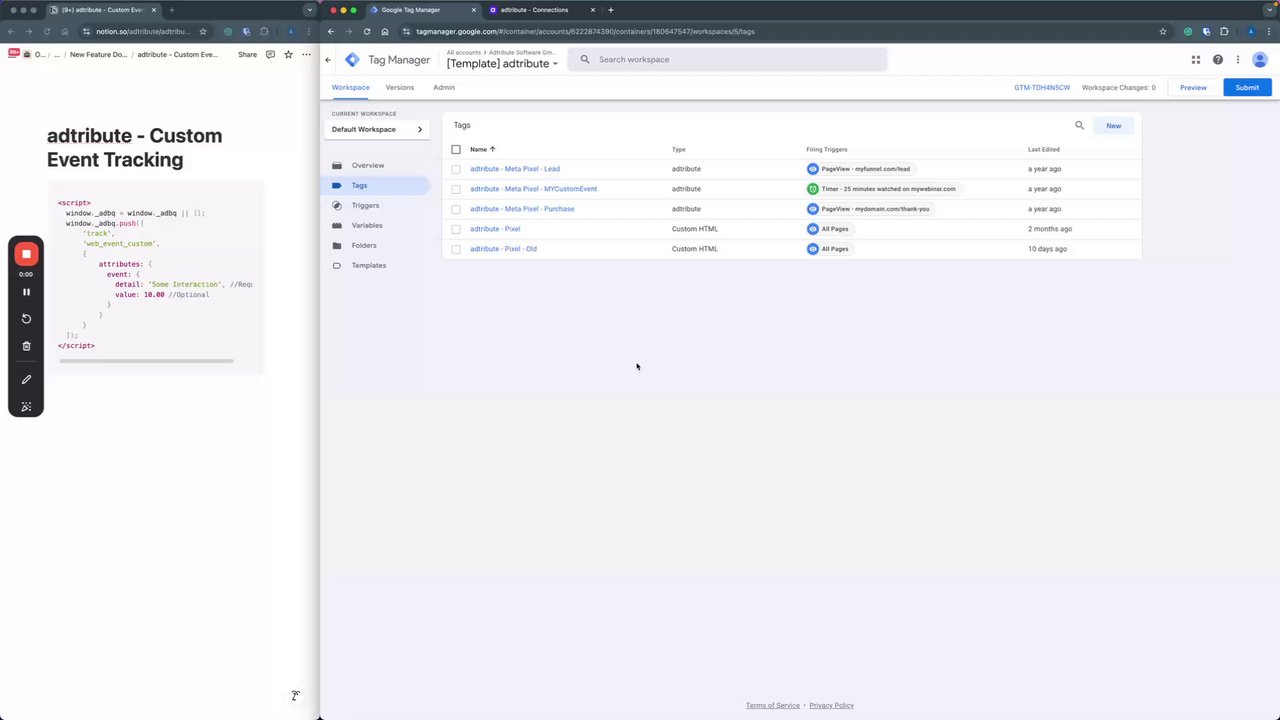 Tracking Custom Events with Google Tag Manager
Google Tag Manager Setup
Section titled “Google Tag Manager Setup”-
Login to your Google Tag Manager
-
Navigate to Tags
-
Create a new Tag
-
Name the Tag in a descriptive manner
-
Tag Configuration: Choose “Custom HTML”
-
Add the following Code (change the detail placeholder name “Some Interaction” with the name of your Event):
<script>window._adbq = window._adbq || [];window._adbq.push(['track','web_event_custom',{attributes: {event: {detail: 'Some Interaction', //Requiredvalue: 10.00 //Optional}}}]);</script> -
Trigger Configuration: Setup as you want the event to trigger
-
Save it and publish as a new version
If you want to see this event in your dashboard, you have to set it up as described in this article: Create Custom Conversions
Feel free to reach out to us, if you need help with the setup!