
Funnel Cockpit Forms
How to connect Funnel Cockpit Forms to adtribute.
Loom Tutorial
Section titled “Loom Tutorial”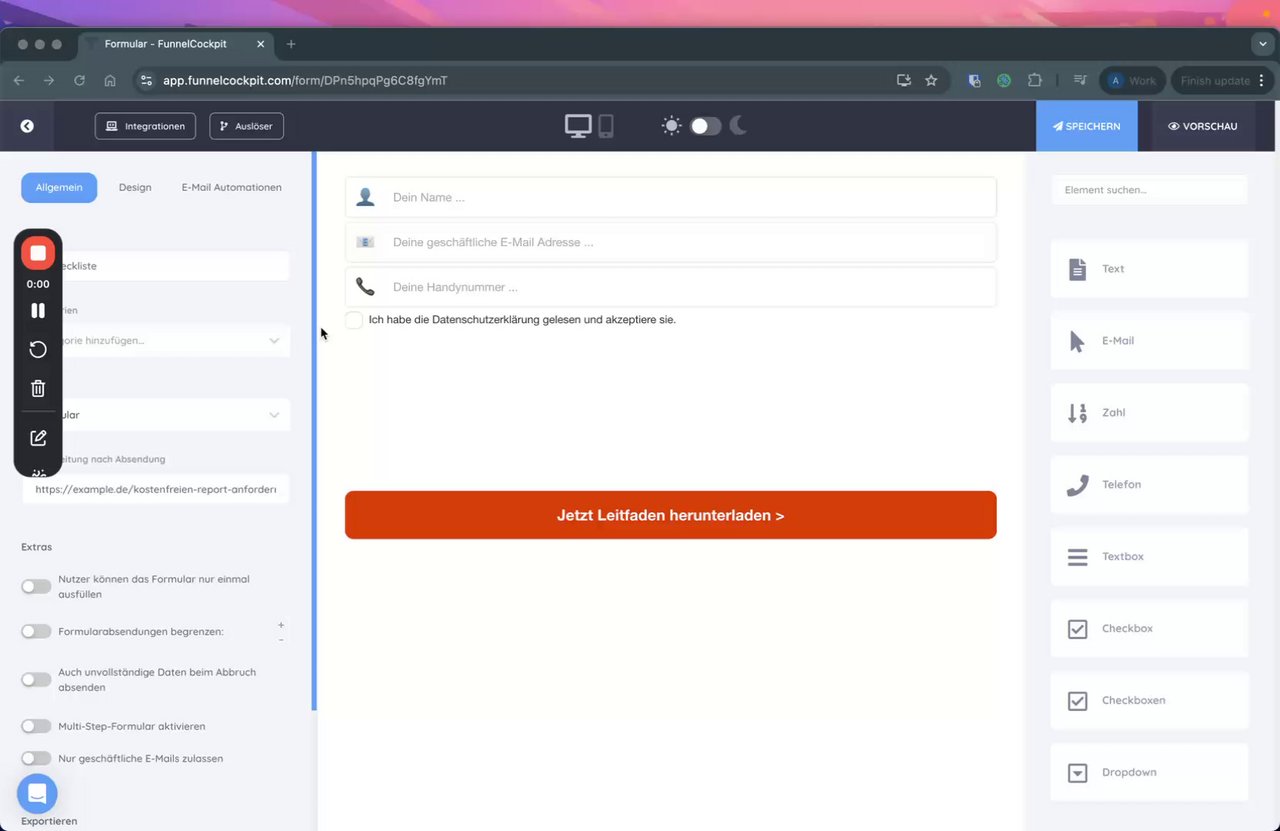 Tracking Funnel Cockpit Forms for User Identification
Configure Email Field for Form
Section titled “Configure Email Field for Form”-
Navigate to the respective form.
-
Click on the settings button for the email field.
-
Scroll down to check the following:
- In the URL parameter field, enter
adb_email. - Check the box for “Übertragung” and put
adb_emailinto the ID of the field.
- In the URL parameter field, enter
-
Click on “Done”.
Add a Hidden Field to the Form
Section titled “Add a Hidden Field to the Form”-
In the same form, search for ‘Hidden’ or “Versteckt” to generate a new hidden field (it will be the last one in the row).
-
Click on settings for the new hidden field and scroll down to do the following:
- In the URL parameter field, enter
adb_cdt. - Check the box for “Übertragung” and put
adb_cdtinto the ID of the field. - Set the Title as
adb_cdtas well.
- In the URL parameter field, enter
-
Click on “Done”.