
Perspective Funnels
How to connect Perspective Funnels to adtribute.
Create New Perspective Connection
Section titled “Create New Perspective Connection”- Go to the adtribute app.
- Navigate to Sources › Connections.
- Click on “Create Connection” in the top right corner.
- Search for the “Perspective” connection and select it.
- Name the Connection as you like, e.g. the account’s name.
- The Connection is created right away and two webhook URLs are generated: “New Lead Webhook URL” and “Funnel Completed Webhook URL”.
- Copy the Webhook URL for the respective trigger.
Now you need to set up webhooks in Perspective.
Set up Webhooks in Perspective
Section titled “Set up Webhooks in Perspective”- Log into Perspective
- Select the funnel you want to activate the webhook for
- Navigate to “Apps” > “Webhooks”
- Paste the “New Lead Webhook URL” from the adtribute app into a webhook on the “New Lead” trigger and the “Funnel Completed Webhook URL” into a webhook on the “Funnel completed” trigger.
- Back in the adtribute app, click “I did that”.
Integrate Tracking Code in Perspective
Section titled “Integrate Tracking Code in Perspective”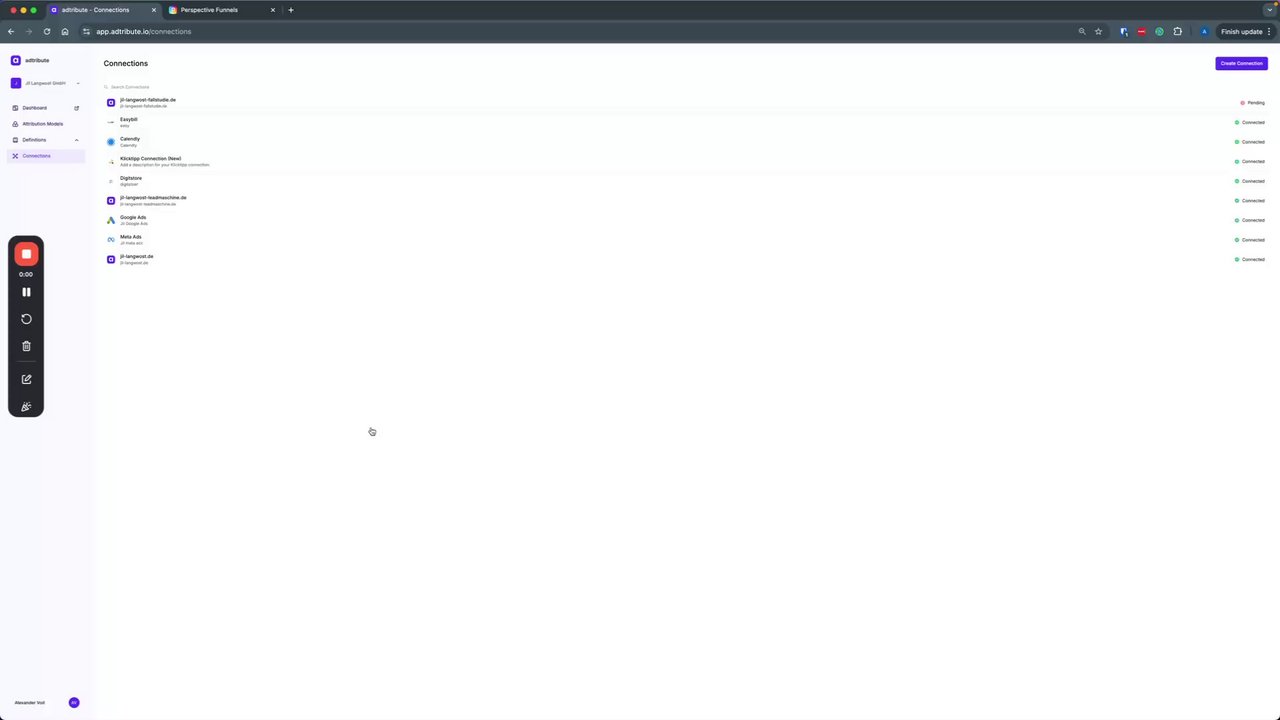 Integrating Perspective Funnels with Attribute
- Log into Perspective
- Select the funnel you want to integrate with adtribute.
- Copy the tracking code of any connected domain in adtribute under Sources › Connections (it’s a dynamic code, so it always looks the same).
- Navigate to the “Tracking code” section of the first page (only the first page is needed!).
- Paste the tracking code into the “Head”.
- Click “Publish” to apply the changes.
External Thank You Page Tracking
Section titled “External Thank You Page Tracking”In case you’re redirecting to an external “Thank you” or “Success” page after the user completed the funnel, it is important that you apply the following parameter to the destination URL in order for flawless user identification:
?adb_email=@email(if you have other parameters in place, the ”?” needs to be replaced with an ”&” and you can just put it at the end).
Example URLs:
https://www.external-page.com?adb_email=@emailhttps://www.external-page.com?utm_source=perspective&adb_email=@emailYou can find more information on this in the Perspective Docs here.
Cautionary Notes
Section titled “Cautionary Notes”- For funnels with a split test, you need to add the tracking code to all variations of the first page.
- Ensure compliance with consent requirements (setup your cookie banner according to your
- Optionally, connect a custom domain in perspective for improved tracking.